


 Menu
MenuMenu


Get Sales Advice from Mon - Fri 9am - 5:00pm:
020 3337 8950LAST UPDATED: August 13, 2025
Apex Legends 2025: Updated PC Requirements for Ranked & Arena
If you’re diving into Apex Legends 2025, whether to grind your way up the Ranked ladder or dominate intense Arena battles, you’ll need more than just fast reflexes. Competitive modes demand smooth frame rates, lightning-fast response times, and consistent performance to keep your edge in the heat of battle. In this guide, we’ll break down the official minimum and recommended PC requirements straight from official resources, explore what competitive play really demands in 2025, and suggest the best hardware setups to keep you ahead of the pack. So let’s dive into the details!
Why Apex Legends Still Leads the Competitive Shooter Scene in 2025:

Apex Legends continues to dominate the competitive shooter landscape in 2025, and it’s not hard to see why. Whether you’re a casual drop-in player or a ranked grind veteran, there are a few big factors that keep this title at the top of so many gamers’ playlists:
-
Consistent Evolution: Since its 2019 launch, the game has received seasonal updates that introduce new Legends, weapons, and map changes, ensuring the meta stays fresh for both casual and professional players.
-
Technical Excellence: The game’s engine is highly optimised for fast-paced combat, parkour-style movement, and low-latency hit detection, all of which are crucial for landing shots in intense situations.
-
Fluid Gameplay: Competitive play thrives on precision, and Apex’s seamless gunplay and movement mechanics make it a standout in the genre.
-
Strong Community and eSports Scene: In 2025, Apex Legends continues to draw players with its strategic team-based play, constant content updates, and a thriving eSports presence.
This combination of technical polish, balanced content updates, and competitive depth keeps Apex Legends at the top of the shooter charts year after year.
Official PC Requirements for Apex Legends 2025:
Before you start planning upgrades or new builds, it’s important to know the baseline and recommended specifications from official sources. These figures outline what your system needs to run Apex Legends 2025 at a playable level and what hardware will unlock a smoother, more responsive experience. Whether you are aiming for casual play or competitive dominance, understanding these requirements will help you match your setup to your goals.
Here are the latest Apex Legends 2025 gaming pc requirements from official sources:
Minimum (Base Experience):
-
OS: 64-bit Windows 10
-
Processor: AMD FX 4350 or Equivalent / Intel Core i3 6300 or Equivalent
-
Memory: 6 GB RAM
-
Graphics: AMD Radeon HD 7790 / NVIDIA GeForce GTX 950
-
DirectX: Version 12
-
Network: Broadband Internet connection
-
Storage: 75 GB available space
-
Additional Notes: ~3.8GB for 1 localised language
Playable at low settings, suitable for casual play, but expect frame rate drops in busy combat. If you are just starting out, check out Core i3 laptops to get started with the game and then upgrade if you feel the need to.
Recommended (Smooth 1080p Performance)
-
OS: 64-bit Windows 10
-
Processor: Ryzen 5 CPU or Equivalent
-
Memory: 8 GB RAM
-
Graphics: AMD Radeon R9 290 / NVIDIA GeForce GTX 970
-
DirectX: Version 12
-
Network: Broadband Internet connection
-
Storage: 75 GB available space
-
Additional Notes: ~3.8GB for 1 localised language
Designed for smooth 60 FPS gameplay at 1080p with medium or high settings. Get your hands on a good option from Ryzen 5 laptops to get the most out of your game.
2025 Competitive Reality: Ranked and Arena
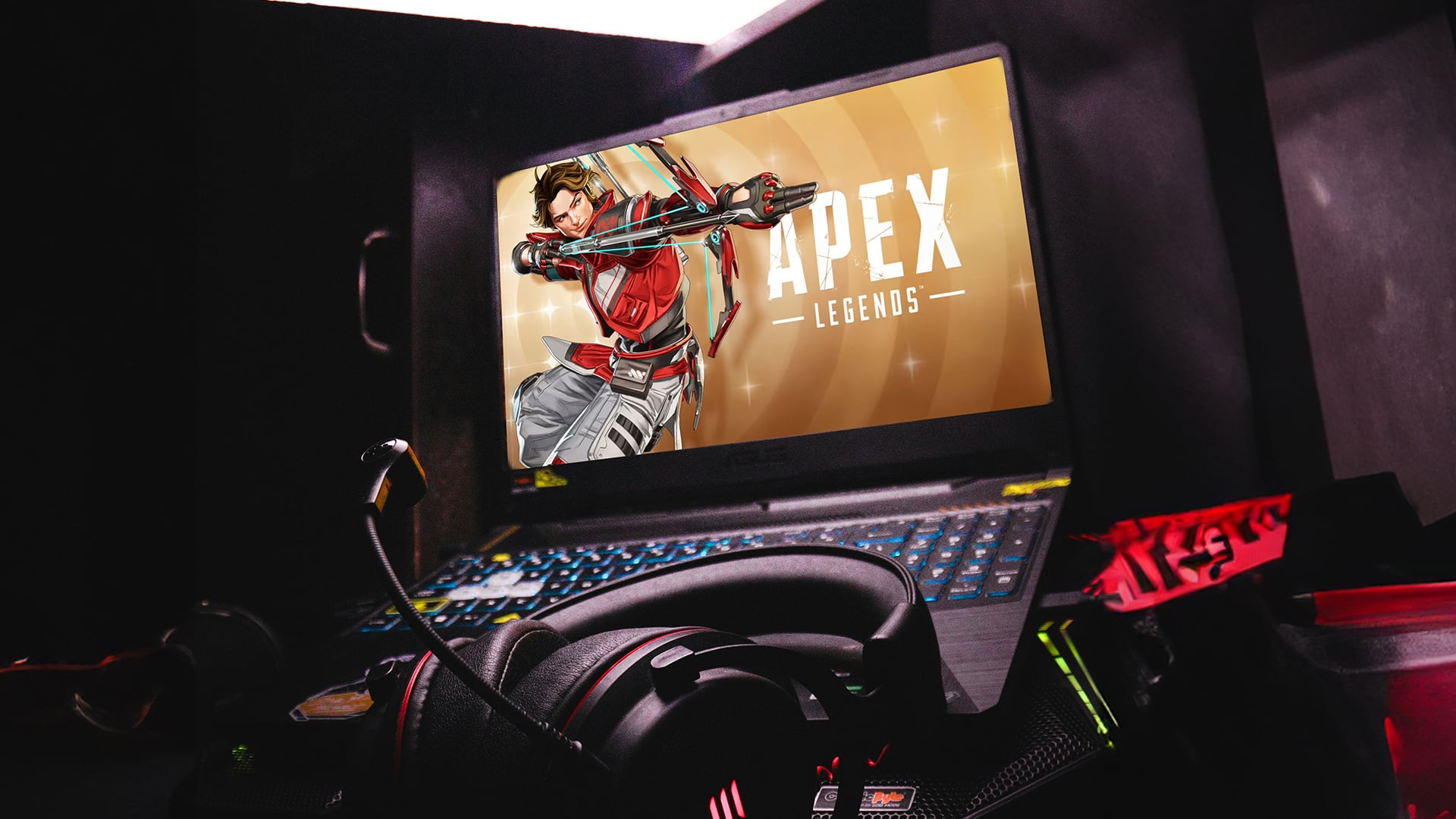
If your aim is to win big in Ranked or climb Arena leaderboards, meeting the recommended specs is not enough. Competitive Apex thrives on speed and frames to win fights. For ranked matches, you should aim for 144 FPS or more on a high refresh monitor.
Here’s what you should target for competitive stability:
-
CPU: Modern 6-core or 8-core (Intel i5/i7 or Ryzen 5/7) to handle game logic and background processes.
-
GPU: High-end RTX 5080 graphics cards for future-proof visuals, fast rendering, and NVIDIA Reflex support.
-
Memory: 16 GB DDR4 gaming ram for smooth multitasking and fast texture loading.
-
Storage: NVMe SSD Hard Drive for lightning-fast map loading and reduced hitching.
-
Network: Wired Ethernet to minimise packet loss and latency spikes.
Suggested Hardware Setup for Apex Legends 2025
Before deciding on specific components, it’s worth understanding that competitive Apex Legends requires a balanced build where every part contributes to overall stability, speed, and responsiveness. The following hardware recommendations are tailored for players who want consistent high FPS, quick load times, and reliable performance during intense Ranked or Arena matches.
-
CPU & Motherboard: Pair an Intel i5/i7 or Ryzen 5/7 with a quality AMD gaming mother board for overclocking headroom and stability.
-
Memory: At least 16 GB of DDR4 for consistent high FPS.
-
Graphics: Elite-tier RTX 5080 graphics cards for maximum performance.
-
Case: Well-ventilated gaming PC case to keep temperatures down in long sessions.
-
Power Supply: Reliable PC power supply to ensure stability under load.
-
System: Custom or prebuilt gaming PC optimised for competitive shooters.
Build Tiers – Entry / Mid / High End
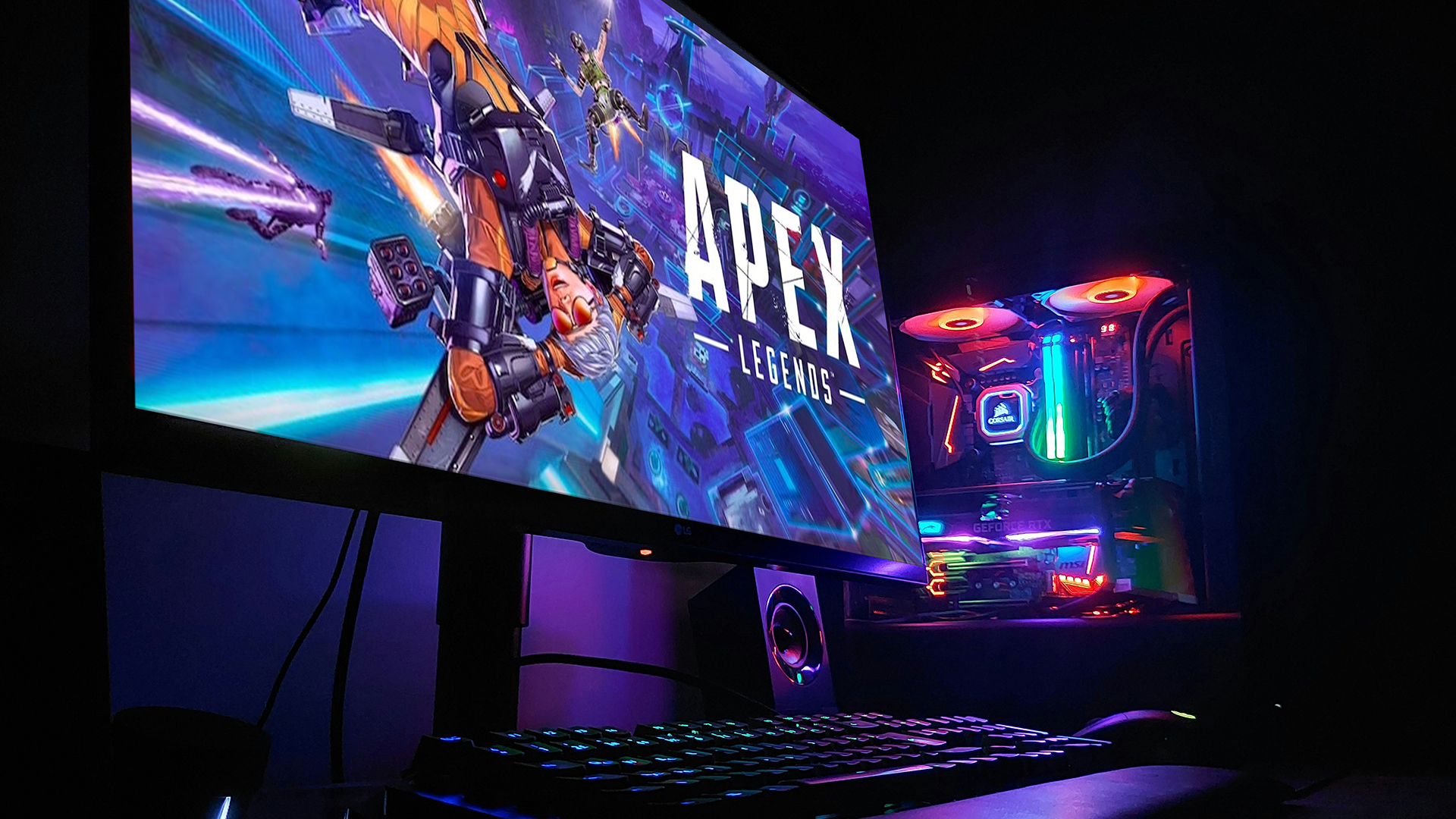
Another thing that helps before you choose your components is to see exactly what different levels of hardware can deliver in Apex Legends 2025. This breakdown makes it easy to compare performance expectations and see which tier suits your budget, play style, and competitive goals.
| Tier | Specs | Performance Goal |
| Entry-Level | Meets minimum specs, GTX 950 / Radeon HD 7790, 6 GB RAM, HDD storage | Playable 1080p low or medium, ~60 FPS |
| Mid-Tier | Recommended specs: GTX 970 / R9 290, 16 GB DDR 4 RAM, SSD | 1080p high, 144 FPS capable |
| High-End | RTX 5080, Ryzen 7/i7+, 32 GB RAM, NVMe SSD | 1440p or 4K, 144-240 FPS ultra competitive |
Mid-tier offers the best balance between performance and cost for most players, while high-end builds give you every possible competitive advantage.
Optimisation Tips for Peak Competitive Play
Before you jump into the action, remember that in Apex Legends, small tweaks can have a big impact on your performance. These steps are easy to follow and can make the difference between a clean win and a frustrating loss.
-
Lower unnecessary visual settings, such as volumetric lighting and ambient occlusion, to improve FPS and ensure consistent frame pacing.
-
Enable NVIDIA Reflex or AMD Anti-Lag to minimise input delay and give you faster reaction times in close encounters.
-
Use a wired Ethernet connection to keep your ping stable and avoid sudden latency spikes that can disrupt firefights.
-
Close background applications to free up CPU and memory resources for smoother gameplay.
-
Keep your drivers updated for both GPU and chipset to benefit from the latest performance enhancements and bug fixes.
You can pay with:
*PayPal Credit Representative Example: Assumed credit limit £1,200, Representative 23.9% APR (variable). Purchase rate 23.9% p.a (variable).Terms & Conditions apply.


PayPal Credit and PayPal Pay in 3 are trading names of PayPal UK Ltd, 5 Fleet Place, London, United Kingdom, EC4M 7RD. Terms and conditions apply. Credit subject to status, UK residents only, Five Tech LTD acts as a broker and offers finance from a restricted range of finance providers. PayPal Pay in 3 is not regulated by the Financial Conduct Authority. Pay in 3 eligibility is subject to status and approval. 18+. UK residents only. Pay in 3 is a form of credit. Check if affordable and how you will repay. May make other borrowing more difficult or expensive. See product terms for more details.
Copyright © 1996-2026 Fivetech LTD | Terms and Conditions
box.co.uk & Box are trading names of Five Tech Limited. Registered office: Box LTD, Unit 10 Woodford Trading Estate, Woodford Green IG8 8HF