


 Menu
MenuMenu


Get Sales Advice from Mon - Fri 9am - 5:00pm:
020 3337 8950LAST UPDATED: March 16, 2026
How Laptops in 2026 Use Best NPUs for Better FPS, Streaming and Creator Workflows
In 2026, gaming laptops are no longer judged purely on CPU clocks and GPU power. AI has become part of how modern laptops manage performance, multitasking and efficiency, driven by the growing role of Neural Processing Units. For gamers, streamers and creators, this marks a clear shift in how laptops handle demanding, real-world workloads.
AI gaming laptops now do more than render frames. They manage background AI tasks, optimise system resources in real time and help laptops stay responsive during long gaming sessions, live streams and creative work. This doesn't mean instant frame rate gains in every game, but it does improve consistency when multiple tasks are running at once.
As a result, buyers are looking beyond traditional specs. The best NPU laptops stand out not by headline numbers, but by how well they balance performance, heat and power in everyday use.
In this guide, we'll explain how NPUs are used in 2026 laptops, how they improve streaming stability, and why creators are seeing some of the biggest benefits from AI-powered gaming laptops.
What Is an NPU and Why Does It Matter for Gamers
An NPU, or Neural Processing Unit, is a dedicated piece of hardware designed to handle AI tasks directly on your laptop. Unlike a CPU or GPU, which are built for general computing and graphics, an NPU focuses on running AI workloads efficiently without placing extra strain on the rest of the system. In 2026, this technology has become a core part of AI gaming laptops, shaping how performance and efficiency are balanced.
To explain the NPU vs CPU vs GPU comparison and usage, it is enough to say that the CPU manages everyday processing and game logic, the GPU focuses on rendering visuals, and the NPU looks after AI-driven tasks. These include real-time background effects, voice enhancement, image processing and system-level optimisation. Having AI inside gaming laptops means these features can run continuously without competing with games for performance or power.
This is especially important in NPU gaming laptops, where thermal limits and battery life directly affect sustained performance. NPUs are designed for real-time, on-device AI, allowing laptops to handle intelligent features while using far less power than a CPU or GPU would for the same work.
For gamers, this doesn't replace traditional hardware. Instead, it complements it. The best AI laptops with NPUs to keep AI processes running quietly in the background, freeing up the CPU and GPU to focus on gameplay. That's why AI-powered gaming laptops feel more stable and responsive in real-world use, even when the improvements aren't immediately visible on an FPS counter.
How NPUs Improve Gaming FPS Without Overworking Your GPU
When people talk about performance on gaming laptops, FPS is usually the first metric mentioned. It's also where expectations around AI often go wrong. Most modern titles like Red Dead Redemption 2, Baldur's Gate 3 and Apex Legends don't show any difference in FPS whether the NPU is active or not.
This is why claims like AI boosting FPS in games need to be explained clearly. The GPU still handles rendering, and it remains the primary driver of raw performance. An NPU can be used for gaming, but it supports gaming by offloading background AI tasks, helping the GPU stay focused on delivering consistent performance. Where AI gaming laptops differ is not in pushing higher frame counts, but in how they handle everything happening around the game.
In NPU gaming laptops, AI-driven features are moved away from the GPU and CPU. Instead of competing for resources, those tasks are processed separately, allowing the graphics hardware to stay focused on delivering consistent performance. This becomes especially noticeable when additional features are enabled during gameplay, such as streaming tools or system-level enhancements.
Examples of tasks NPUs commonly handle include:
- AI-based noise reduction that runs without pulling GPU resources
- Webcam effects like background blur and auto-framing that stay active during gameplay
- Voice enhancement and real-time audio effects with minimal performance impact
- AI-powered stream overlays and moderation tools that don't introduce stutter
Rather than inflating FPS numbers, the best gaming laptops with on-device AI features aim to preserve them. By keeping background AI workloads off the GPU, the system delivers smoother frame pacing and fewer dips under load. That's why the best NPU laptops often feel more stable in real-world gaming sessions, even when the average FPS figure stays the same.
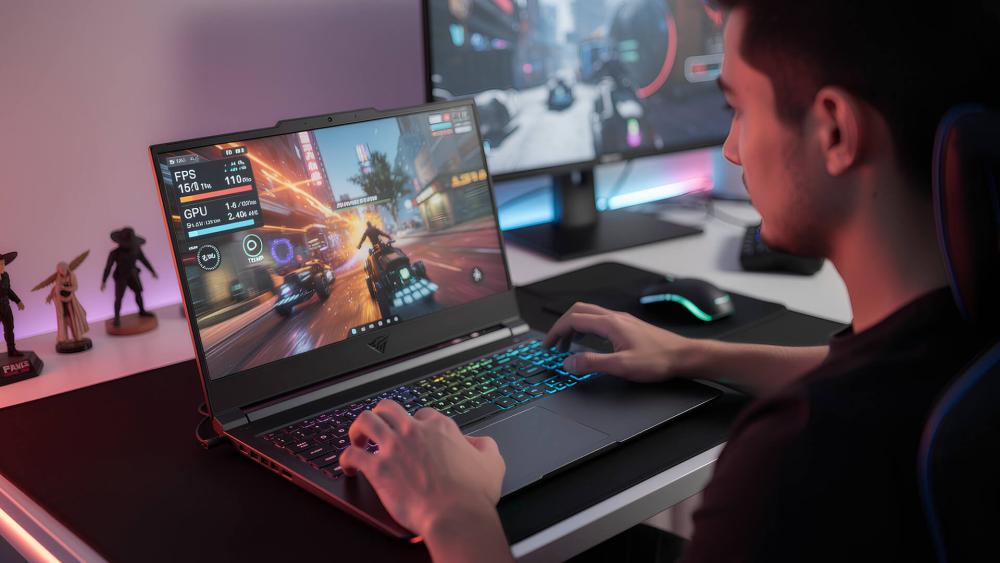
How NPUs Enhance Streaming Performance on Gaming Laptops
Streaming while gaming is one of the toughest workloads for gaming laptops. You're asking the system to run a game, encode video, manage audio, process webcam input and handle overlays all at the same time. On traditional laptops, those extra tasks often eat into CPU and GPU resources, leading to dropped frames or unstable streams.
This is where AI-powered gaming laptops gain an edge. NPUs allow many AI-driven streaming features to run independently, so they don't interfere with gameplay performance. Instead of competing for the same hardware, streaming tools and games can operate side by side more reliably.
Cleaner Audio and Video Without Performance Drops
Modern NPUs handle common streaming enhancements locally on the laptop. That includes tasks such as:
- AI noise suppression that removes background sounds in real time
- Webcam background blur and removal that doesn't affect in-game performance
- Auto-framing and camera correction that stays active throughout a stream
Because these features run on the NPU, they don't pull resources away from the GPU. This helps AI gaming laptops maintain stable frame rates even when multiple enhancements are enabled.
More Stable Streams on Single-Laptop Setups
For streamers using a single laptop to both play and broadcast, stability matters more than headline specs. In NPU gaming laptops, AI-powered overlays, chat moderation tools and camera effects can stay active without causing stutters when switching scenes or adding filters mid-stream.
This is especially noticeable during longer sessions. Instead of performance gradually dropping as the system heats up, NPUs help keep background AI workloads separate. The result is smoother gameplay, fewer dropped frames and a more consistent stream overall.
For creators and streamers, this is one of the most practical advantages of choosing the best NPU laptops in 2026. Rather than boosting raw performance, NPUs protect it, allowing laptops to handle streaming workloads that previously pushed them to their limits.

Creator Workflows: Why NPUs Matter Beyond Gaming
For many users choosing AI-powered laptops, the biggest performance gains appear during creative work rather than gameplay. NPUs allow laptops to handle AI-driven tasks independently, instead of forcing them through the CPU or GPU. This keeps creative software responsive and makes better use of limited laptop hardware during demanding projects.
On modern laptops delivering around 40 TOPS or more of on-device AI performance, creators see clear improvements in how quickly intelligent features respond. Tasks that once paused workflows now run quietly in the background, allowing editing and previewing to continue without interruption.
Faster Video Editing and Timeline Analysis
Video editing software increasingly relies on AI for tasks such as scene detection, automatic reframing and speech-to-text generation. In applications like Adobe Premiere Pro and DaVinci Resolve, these features can analyse footage noticeably faster when handled by an NPU. On a 5-minute 4K timeline, AI analysis that previously took several minutes can complete in a fraction of that time, while the GPU remains free for colour grading and effects.
This separation is especially important on laptops for AI and analytics workloads, where GPU resources are more limited. Editors can scrub timelines, adjust clips and apply effects while AI processes continue in the background.
Photo Editing at Scale Without Slowdowns
Photo workflows also benefit from NPUs in AI laptops for creators. Tools such as AI masking, subject detection and automatic enhancements process more efficiently when handled by dedicated AI hardware. Batch editing hundreds of images becomes faster and more predictable, without locking up the interface or forcing users to wait before continuing their work. For laptop users, this means applying AI-based edits while still browsing libraries, refining selections or switching between creative apps without noticeable lag.
Local AI Tools and Multitasking Workflows
Creators who rely on local AI tools see additional advantages. Workloads that benefit most from NPUs include tasks like live transcription, caption generation, and on-device text or image generation. Because these workloads stay on the device, they offer lower latency and improved privacy compared to cloud-based alternatives.
This efficiency also has a direct impact on battery life. NPUs consume far less power than CPUs or GPUs when running sustained AI tasks, allowing creators to work longer on the move without plugging in.
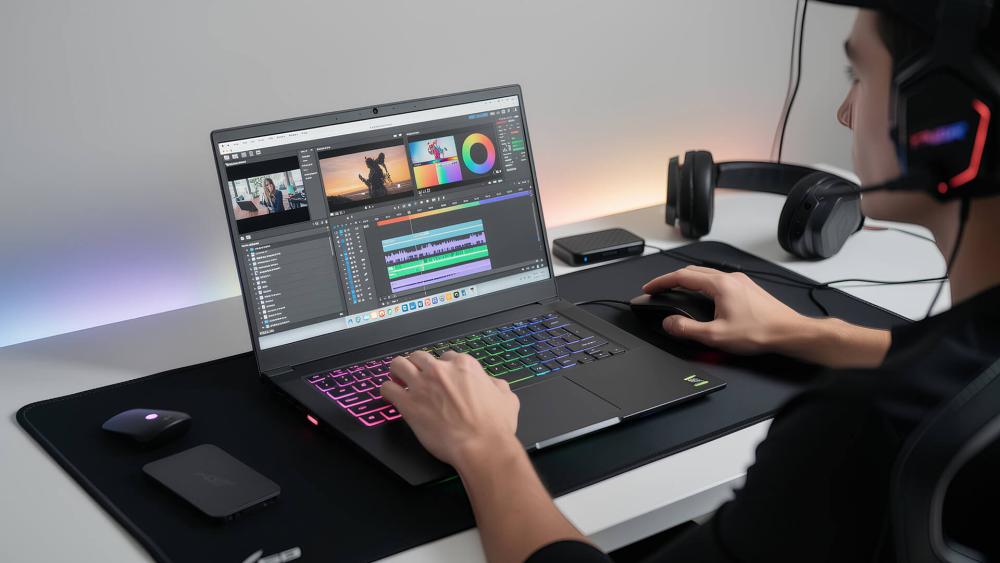
NPU vs GPU for AI Tasks: What's the Difference
When comparing AI gaming laptops, the difference between an NPU and a GPU is less about raw power and more about how AI tasks are handled. GPUs still matter for graphics-heavy workloads, but they are not the most efficient way to run always-on AI features in a laptop.
In practice, GPUs are best used for rendering, effects and performance-intensive work. Running constant AI tasks on the GPU can reduce available headroom, especially during long sessions. This is where NPUs add value. In NPU gaming laptops, routine AI workloads are handled separately, so they do not interfere with graphics performance.
The real advantage is consistency. With an NPU managing background AI features, the GPU can stay focused on games or creative tasks without being interrupted by system-level processing. On laptops, where power and cooling are limited, this separation helps maintain stable performance for longer periods.
What to Look for in an AI-Powered Gaming Laptop in 2026
When comparing AI gaming laptops, it's easy to get distracted by marketing labels. What matters is how well the hardware works together in real use. If you're narrowing down the latest laptops, these are the key points worth focusing on.
- Balanced hardware setup: Look for a laptop where the NPU, CPU and GPU complement each other. A strong NPU is most effective when paired with a capable GPU and enough CPU headroom to avoid bottlenecks.
- Practical NPU capability: NPU performance matters more for efficiency than raw numbers. Laptops with dedicated AI hardware are better at handling always-on AI features without impacting games or creative apps.
- Software and OS support: AI features only matter if the software can use them. Windows AI tools and modern creative apps are increasingly optimised for NPUs, which is why newer models tend to offer a better experience than older systems.
- Thermals and sustained performance: On laptops, cooling design is just as important as specs. Well-designed AI-powered gaming laptops maintain performance for longer gaming or streaming sessions without aggressive throttling.
For most users, the goal isn't chasing specs in isolation. It's choosing a laptop that stays smooth, responsive and efficient across gaming, streaming and creative work as AI features become more common.
Conclusion
NPUs don't change how games are rendered, but they do change how AI gaming laptops behave in real use. By handling AI tasks separately, they help laptops stay stable, responsive and efficient during gaming, streaming and creative work.
For gamers who also stream or create content, opting for NPU laptops makes practical sense. Instead of chasing raw performance numbers, these systems focus on consistency and smarter use of hardware, which matters far more on a laptop. As AI features continue to expand, laptops with dedicated NPUs are better prepared to handle what comes next without compromise.
Frequently Asked Questions
What does an NPU do in a gaming laptop?
An NPU handles AI-related tasks directly on the laptop. In AI gaming laptops, it runs features like background effects, voice processing and system optimisation without using the CPU or GPU, helping the system stay responsive during demanding workloads.
Do NPUs really improve FPS in games?
No. NPUs do not increase raw FPS. Games still rely on the GPU for rendering. What NPUs do is prevent performance drops by keeping AI tasks from interfering with gameplay, which helps maintain smoother performance.
Are NPUs better than GPUs for AI tasks?
For constant, real-time AI tasks, yes. NPUs are more power-efficient and better suited to always-on AI features. GPUs are still essential for graphics-heavy and compute-intensive work, so both have distinct roles in modern laptops.
Will AI gaming laptops replace traditional gaming PCs?
Not entirely. AI gaming laptops focus on efficiency and portability, while desktops still offer more raw performance and upgrade flexibility. Laptops with NPUs are a better fit for users who game, stream or create on a single device.
Do AI features affect battery life on gaming laptops?
AI features can actually improve battery efficiency when handled by an NPU. Because NPUs use less power than CPUs or GPUs for AI tasks, laptops can run these features with less impact on battery life.
Are AI gaming laptops good for content creators?
Yes. Many creators benefit from NPUs when editing video, processing photos or using AI-assisted tools. This is why the best NPU laptops are increasingly popular with users who combine gaming and creative work on one machine.
You can pay with:
*PayPal Credit Representative Example: Assumed credit limit £1,200, Representative 23.9% APR (variable). Purchase rate 23.9% p.a (variable).Terms & Conditions apply.


PayPal Credit and PayPal Pay in 3 are trading names of PayPal UK Ltd, 5 Fleet Place, London, United Kingdom, EC4M 7RD. Terms and conditions apply. Credit subject to status, UK residents only, Five Tech LTD acts as a broker and offers finance from a restricted range of finance providers. PayPal Pay in 3 is not regulated by the Financial Conduct Authority. Pay in 3 eligibility is subject to status and approval. 18+. UK residents only. Pay in 3 is a form of credit. Check if affordable and how you will repay. May make other borrowing more difficult or expensive. See product terms for more details.
Copyright © 1996-2026 Fivetech LTD | Terms and Conditions
box.co.uk & Box are trading names of Five Tech Limited. Registered office: Box LTD, Unit 10 Woodford Trading Estate, Woodford Green IG8 8HF