


 Menu
MenuMenu


Get Sales Advice from Mon - Fri 9am - 5:00pm:
020 3337 8950LAST UPDATED: July 16, 2026
What Is the Best Resolution for a 27-Inch Monitor?
A 27-inch monitor is one of the most popular screen sizes for work, gaming, study and home office use. It gives you more space than a 24-inch display without feeling as large as a 32-inch monitor. But once you choose the screen size, the next question is just as important: what is the best resolution for a 27-inch monitor?
The simple answer is that 1440p is usually the best resolution for a 27-inch monitor. It offers a strong balance of sharpness, screen space, gaming performance and value. A 27 inch 1080p monitor can still work for budget gaming or basic use, but it can look less sharp at this size. A 27-inch 4K monitor offers the sharpest image, but it costs more and needs more GPU power, especially for gaming.
This guide compares 27-inch 1080p, 27-inch 1440p and 27-inch 4K displays so you can choose the right option for your desk, work, games and budget.
To compare current options, browse 27 inch PC monitors or view the latest monitors options at Box.co.uk.
Quick Answer: What Is the Best Resolution for a 27-Inch Monitor?
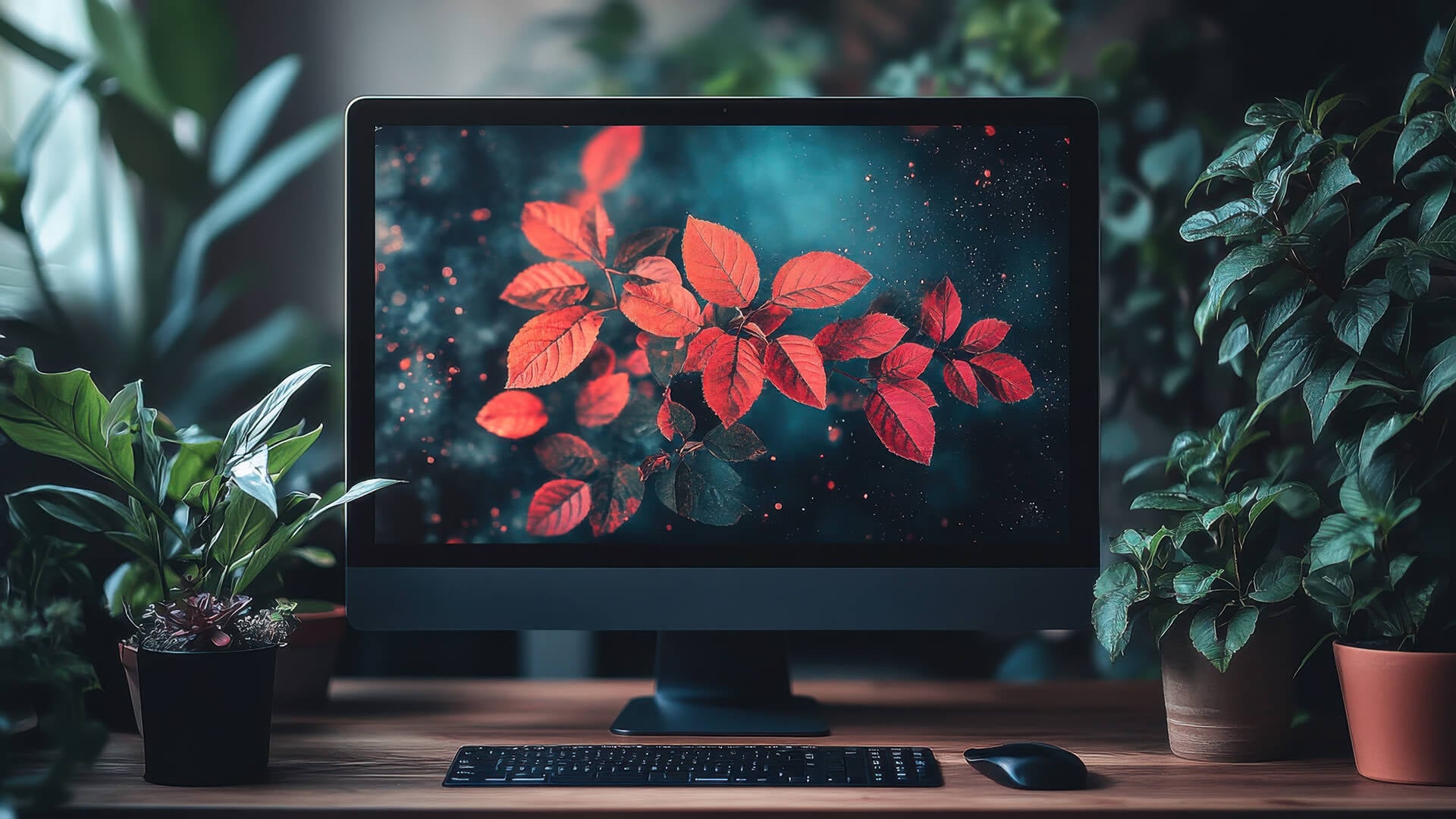
For most people, 27 inch 1440p is the best choice. It gives you noticeably sharper image quality than 1080p, more desktop workspace, better text clarity, and a more comfortable experience for multitasking. It is also easier to run than 4K, which makes it a strong option for gaming.
A 27-inch monitor 1440p setup is ideal for everyday work, gaming, browsing, streaming, creative tasks and home office use. It feels like a clear upgrade from Full HD without pushing your computer as hard as Ultra HD.
Here is the simple comparison:
| Resolution | Also Known As | Best For | Main Benefit | Main Limitation |
|---|---|---|---|---|
| 1080p | Full HD | Budget use, competitive gaming, basic tasks | Affordable and easy to run | Can look soft on a 27-inch display |
| 1440p | Quad HD / QHD | Most users, gaming, work, study, multitasking | Best balance of clarity and performance | Costs more than 1080p |
| 4K | Ultra HD / UHD | Content creation, sharp text, detailed visuals | Excellent image detail and clarity | More expensive and more demanding |
If you want the safest all-round choice, choose 1440p. If you want the cheapest option, choose 1080p. If you want maximum sharpness, choose 4K.
Understanding 27" Monitor Resolution
A monitor’s resolution tells you how many pixels it has. More pixels usually mean a sharper image, more detail and more room for windows, tools and text. On a 27-inch display, resolution matters because the screen is large enough for lower resolutions to look softer.
The most common 27-inch monitor resolutions are:
| Resolution | Pixel Count | Common Name |
|---|---|---|
| 1920 x 1080 | Around 2 million pixels | Full HD / 1080p |
| 2560 x 1440 | Around 3.7 million pixels | Quad HD / 1440p |
| 3840 x 2160 | Around 8.3 million pixels | Ultra HD / 4K |
The higher the resolution, the more detail the display can show. But higher resolution also makes your graphics card work harder, especially in games.
Why Pixels Per Inch Matters
Pixels per inch, often called PPI, measures how densely pixels are packed into the screen. Higher PPI usually means sharper text and clearer images.
On a 27-inch display, the approximate pixel density is:
| 27-Inch Resolution | Approximate PPI | What It Feels Like |
|---|---|---|
| 1080p | Around 82 PPI | Usable, but less sharp up close |
| 1440p | Around 109 PPI | Sharp and comfortable for most users |
| 4K | Around 163 PPI | Very sharp, detailed and crisp |
This is why 1440p works so well at 27 inches. It gives you a meaningful clarity upgrade over 1080p without making everything too small or too demanding.
27 Inch 1080p: Is Full HD Enough?
A 27 inch 1080p monitor can still be a good choice, but it depends on what you expect from the display. Full HD is affordable, widely available, and easy for most computers to run. It is especially useful if you prioritise high refresh rates or have a lower-powered PC.
However, 1080p is not the sharpest option at 27 inches. Because the same number of pixels are stretched across a larger screen, text, icons and fine details can look softer compared with a 24-inch 1080p monitor.
When a 27 Inch Monitor 1080p Makes Sense
A 27 inch monitor 1080p setup can make sense if you want a budget-friendly display for simple tasks. It is fine for browsing, video calls, streaming, light office work and casual gaming. It can also be useful for competitive gaming if you want high refresh rates and lower GPU demand.
Gamers with entry-level PCs may prefer 1080p because it is easier to drive. You can often reach higher frame rates at 1080p than at 1440p or 4K, especially in fast-paced games.
Where 1080p Falls Short on a 27-Inch Display
The main downside is sharpness. If you sit close to the screen, text may look slightly pixelated, and fine details may not appear as clean. For productivity, this can make long reading sessions less comfortable.
A 27-inch 1080p display is not unusable, but it is no longer the sweet spot for many buyers. If your budget allows, 1440p is usually worth the upgrade.
27 Inch 1440p: The Best Balance for Most Users
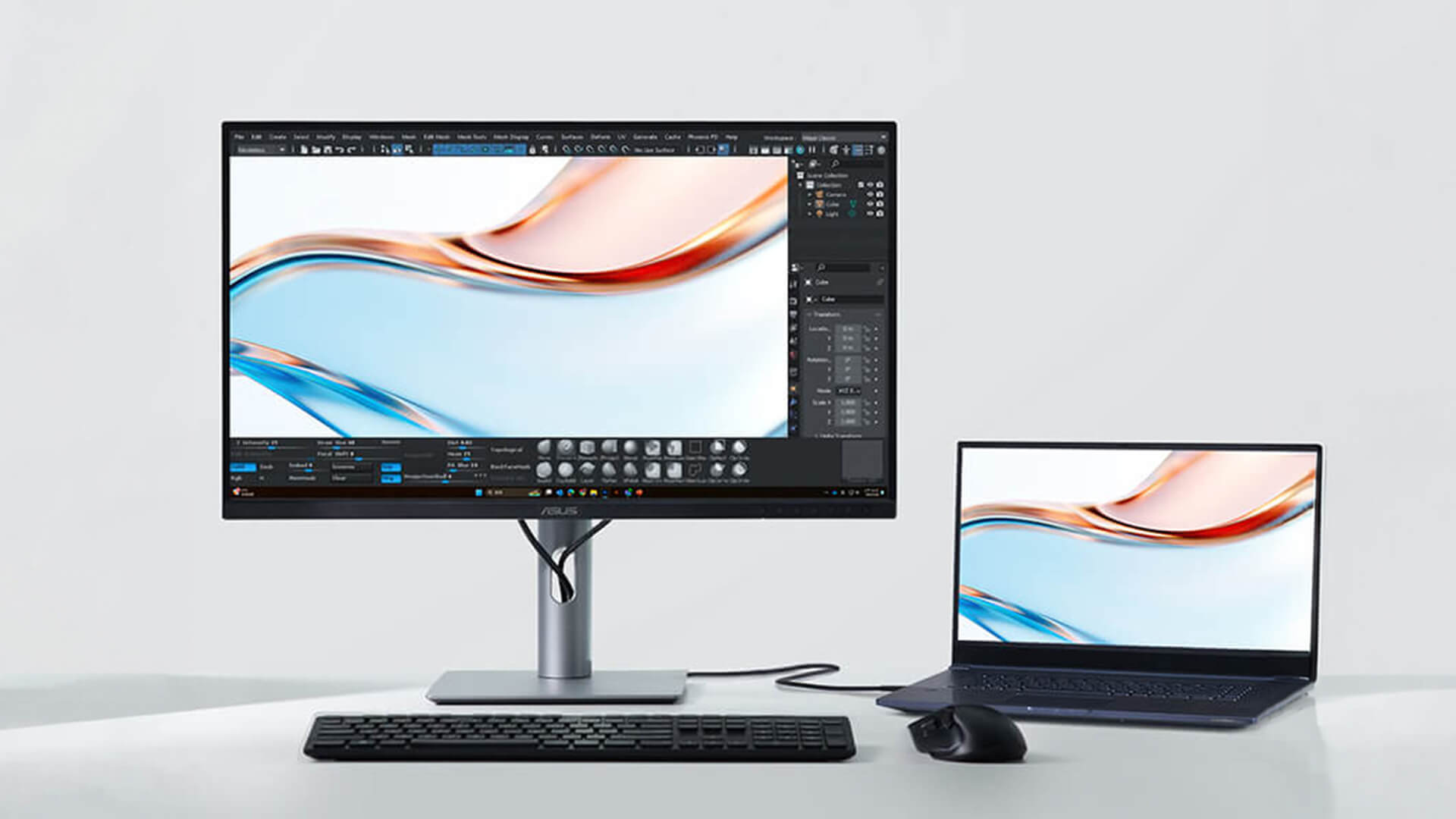
A 27 inch 1440p monitor is widely seen as the best all-round option. It gives you more pixels than 1080p, which improves text sharpness, image detail and workspace. At the same time, it is much easier to run than 4K.
This makes a 27 inch monitor 1440p ideal for people who want one screen for everything: work, gaming, study, streaming, browsing and creative tasks.
Why 1440p Works So Well at 27 Inches
1440p gives a 27-inch display a comfortable pixel density. Text looks sharper, windows feel less cramped, and you can fit more on the screen without everything becoming too tiny.
For productivity, this means you can keep more apps open side by side. For example, you can work on a document while keeping a browser, chat app or spreadsheet visible. For gaming, you get better image detail than 1080p without the heavy performance cost of 4K.
1440p for Gaming
For gaming, 1440p is often the best balance between visual quality and performance. It looks noticeably clearer than 1080p, especially in open-world games, racing games, RPGs and detailed environments. At the same time, modern mid-range and high-end graphics cards can often handle 1440p gaming well.
If you care about high-refresh gaming, 1440p is a strong choice. You can pair Quad HD resolution with refresh rates such as 144Hz, 165Hz, 180Hz or higher, depending on the monitor and your PC.
1440p for Work and Study
For work and study, 1440p gives you more screen real estate. That means more space for documents, spreadsheets, browser tabs, coding windows, design tools or research notes.
It is also easier on the eyes than 1080p because text and interface elements look cleaner. If you spend hours at your desk, this can make a real difference.
27 Inch 4K: Is Ultra HD Worth It?
A 27 inch 4K monitor gives you the sharpest image of the three main options. With 3840 x 2160 pixels, a 27 inch monitor 4K display has far more detail than 1080p or 1440p. This is excellent for text sharpness, image editing, video work and high-resolution content.
The trade-off is cost and performance demand. A 4K monitor is usually more expensive, and gaming at 4K requires a stronger graphics card.
Why 4K Looks Excellent on a 27-Inch Display
A 4K 27-inch display has very high pixel density. Text looks crisp, images look detailed and fine edges appear smoother. This can be especially useful for content creation, photo editing, video editing, design work and anyone who values image detail.
If you work with high-resolution images or 4K video, a 4K monitor can help you see more detail accurately.
Windows Display Scaling and 4K
One thing to understand with 4K at 27 inches is scaling. At native 4K resolution, text and icons can look very small. Most users will use Windows display scaling, often around 125% or 150%, to make the interface comfortable.
Scaling makes text and UI elements easier to read while keeping the image sharp. However, some older apps may not scale perfectly. This is less of a problem than it used to be, but it is still worth knowing.
4K for Gaming
4K gaming looks excellent, but it is demanding. The GPU performance demand is much higher than 1440p. If you want smooth 4K gaming at high settings, you need a powerful graphics card.
For many gamers, 1440p high refresh rate feels better than 4K at lower frame rates. A 27-inch 4K monitor is best for gamers who have a strong PC and care more about image detail than maximum FPS.
1080p vs 1440p vs 4K on a 27-Inch Monitor
The best way to compare these resolutions is to think about clarity, performance, workspace and value.
| Feature | 27 Inch 1080p | 27 Inch 1440p | 27 Inch 4K |
|---|---|---|---|
| Sharpness | Basic | Very good | Excellent |
| Text clarity | Can look soft | Sharp and comfortable | Very crisp |
| Gaming performance | Easiest to run | Balanced | Most demanding |
| Workspace | Limited | Good | Excellent with scaling |
| Best for | Budget gaming and basic use | Most users | Creators and sharpness-focused buyers |
| Value | Cheapest | Best balance | Premium option |
| GPU demand | Low | Medium | High |
For most people, 1440p wins because it offers the best balance. It is clear enough for work, sharp enough for media, detailed enough for gaming and easier to run than 4K.
Best 27-Inch Resolution for Gaming
For gaming, the best resolution depends on your PC and the games you play.
If you play competitive games and want the highest possible frame rates, 1080p can still make sense. It is easier to run, which helps with high refresh rates and lower input lag. This is why some competitive gamers still prefer lower resolutions.
If you want the best balance of visuals and speed, 1440p is usually the winner. It looks much sharper than 1080p on a 27-inch display and still allows high-refresh gaming with the right graphics card.
If you want maximum image detail and have a powerful GPU, 4K can look fantastic. It is best for cinematic games, single-player adventures, racing games and visually rich titles where image quality matters more than the highest frame rate.
Gaming Recommendation
For most gamers, choose 27 inch 1440p with a high refresh rate. This gives you a sharper image than Full HD while still keeping performance realistic. If you only play esports and have a budget PC, 1080p is acceptable. If you have a high-end PC and want maximum detail, 4K is the premium choice.
Best 27-Inch Resolution for Work and Productivity
For work, study and productivity, resolution affects how much you can fit on the screen and how comfortable text looks.
A 27-inch 1080p monitor gives you a large screen, but not much extra workspace. Everything appears bigger, which some users may like, but text is not as sharp.
A 27-inch 1440p monitor is usually the best productivity choice. You get enough space for multitasking without needing heavy scaling. It is useful for spreadsheets, documents, emails, browser tabs, coding, admin work and video meetings.
A 27-inch 4K monitor gives the sharpest text and most detail. It is excellent for users who value crisp fonts, photo editing, design and content creation. However, most users will need display scaling, so the usable workspace may not feel dramatically larger than 1440p.
Productivity Recommendation
Choose 27 inch monitor 1440p for the best everyday productivity balance. Choose 4K if text sharpness, image detail and creative work matter most. Avoid 1080p if you spend long hours reading text or working with fine details.
Best 27-Inch Resolution for Content Creation
Content creators often benefit from higher resolution because image detail, colour accuracy and workspace matter.
A 27-inch 1440p monitor is good for general creative work, including basic photo editing, design, video timelines and content planning. It gives you enough room for tools and preview windows without placing too much strain on your system.
A 27-inch 4K monitor is better for detailed photo editing, 4K video work, and design tasks where sharpness matters. It lets you view high-resolution images and video more clearly, which can help with editing decisions.
However, resolution is not the only factor. Colour accuracy, panel quality, brightness and calibration matter just as much for serious creative work.
Content Creation Recommendation
Choose 4K if your work depends on image detail and sharp text. Choose 1440p if you want a more affordable, balanced display for mixed creative and everyday use.
Best 27-Inch Resolution for Students and Home Offices
For students and home office users, a 27-inch monitor can make work much easier. It gives you enough space for research, video calls, documents and browser tabs without needing a dual-monitor setup.
For most students, 1440p is the best choice. It offers better clarity than 1080p and more space for multitasking. A 1080p model is fine if budget is tight, while 4K is useful if you also do design, editing or media work.
For home offices, 1440p again offers the best balance. It keeps text sharp, gives plenty of workspace, and works well with most laptops and desktops.
How Far Should You Sit from a 27-Inch Monitor?
Desktop viewing distance affects how sharp a monitor appears. Most people sit around 60cm to 90cm from a 27-inch monitor. At this distance, 1440p looks clear and comfortable, while 4K looks very sharp.
If you sit very close, 1080p may look more pixelated. If you sit further back, the difference between 1440p and 4K may become less obvious.
For a 27-inch 4K monitor, sitting around arm’s length is usually comfortable, especially with display scaling enabled. If the text feels too small, adjust scaling rather than leaning closer.
Is a 27-Inch Monitor Too Big for a Desk?
A 27-inch monitor is not too big for most desks, but it does need enough depth. If your desk is shallow, the screen may feel too close, especially for gaming or long work sessions.
A good desk setup should let you sit far enough back to see the whole screen comfortably. If your desk is small, look for a monitor with a compact stand or use a monitor arm to free up space.
For most home offices, student desks and gaming setups, 27 inches is a comfortable size. It offers a good mix of screen space and practicality.
What Else Matters Besides Resolution?
Resolution is important, but it is not the only feature to compare. A good 27-inch display should also match your use case.
For gaming, refresh rate, response time and adaptive sync matter. A 1440p high-refresh monitor can feel better than a 4K 60Hz monitor if you play fast-paced games.
For office work, text sharpness, stand adjustment, eye comfort and connectivity matter. Height adjustment and USB-C can make the setup much easier.
For creative work, colour accuracy, panel type and brightness are important. A high-resolution display is only useful if the colours are reliable.
Before buying, think about the full experience: resolution, refresh rate, panel quality, ports, stand, colour accuracy and your PC’s performance.
Which 27-Inch Monitor Resolution Should You Choose?
The best choice depends on what you value most.
Choose 27 inch 1080p if you want the lowest price, easy performance and basic everyday use. It can still work for casual browsing, simple office tasks and budget gaming, but it is not the sharpest option.
Choose 27 inch 1440p if you want the best balance. This is the ideal choice for most people because it gives you sharp text, good workspace, strong gaming quality and sensible performance demands.
Choose 27 inch 4K if you want maximum sharpness and detail. It is best for content creation, design, photo editing, sharp text and premium setups, but it costs more and needs stronger hardware for gaming.
For most buyers, the answer is clear: 1440p is the best resolution for a 27-inch monitor.
Final Verdict!
The best resolution for a 27-inch monitor is 1440p for most users. It offers the ideal balance of clarity, workspace, gaming performance and value. A 27-inch 1440p display looks much sharper than 1080p and is easier to run than 4K, making it the safest all-round choice.
A 27-inch 1080p monitor is best if you are on a tight budget or want easy high-refresh gaming. A 27-inch 4K monitor is best if you want the sharpest image, work with detailed visuals or prefer premium text clarity. Explore a high res 27" display at Box.co.uk.
FAQs
Is 1440p vs 4K noticeable on a 27-inch monitor?
Yes, 4K is sharper than 1440p on a 27-inch monitor, especially for text, images and fine details. However, the difference may be less obvious when gaming at normal desk distance. For most users, 1440p already looks very sharp and offers better performance value.
How far should you sit from a 27-inch 4K monitor?
Most users should sit around 60cm to 90cm from a 27-inch 4K monitor. At this distance, the image looks very sharp without feeling overwhelming. If text appears too small, use Windows display scaling to make the interface more comfortable.
Is a 27-inch monitor too big for a desk?
A 27-inch monitor is not too big for most desks, but you need enough depth to sit comfortably. If your desk is shallow, use a monitor arm or choose a display with a compact stand. For most home office, gaming and study setups, 27 inches is a very practical size.
Is 1080p too low for a 27-inch monitor?
1080p is usable on a 27-inch monitor, but it can look less sharp than 1440p or 4K. Text and fine details may appear softer, especially if you sit close to the screen. If your budget allows, 1440p is usually the better choice for a 27-inch display.
You can pay with:
*PayPal Credit Representative Example: Assumed credit limit £1,200, Representative 23.9% APR (variable). Purchase rate 23.9% p.a (variable).Terms & Conditions apply.


PayPal Credit and PayPal Pay in 3 are trading names of PayPal UK Ltd, 5 Fleet Place, London, United Kingdom, EC4M 7RD. Terms and conditions apply. Credit subject to status, UK residents only, Five Tech LTD acts as a broker and offers finance from a restricted range of finance providers. PayPal Pay in 3 is not regulated by the Financial Conduct Authority. Pay in 3 eligibility is subject to status and approval. 18+. UK residents only. Pay in 3 is a form of credit. Check if affordable and how you will repay. May make other borrowing more difficult or expensive. See product terms for more details.
Copyright © 1996-2026 Fivetech LTD | Terms and Conditions
box.co.uk & Box are trading names of Five Tech Limited. Registered office: Box LTD, Unit 10 Woodford Trading Estate, Woodford Green IG8 8HF