


 Menu
MenuMenu


Get Sales Advice from Mon - Fri 9am - 5:00pm:
020 3337 8950LAST UPDATED: July 10, 2026
2.4GHz, 5GHz and 6GHz Wi-Fi Explained: Speed, Range and Best Uses
Choosing between Wi-Fi bands can be confusing because the fastest option is not always the best option. The real 2.4 GHz vs 5 GHz difference comes down to range and speed. 2.4GHz travels further, while 5GHz is usually faster at shorter distances. The newer 6 GHz band adds even more speed and lower interference, but only if your router and device support it.
This guide explains what 2.4GHz, 5GHz, and 6GHz mean, which Wi-Fi band is fastest, which has the best range, and which one to use for gaming, streaming, smart home devices, work, and everyday browsing.
Quick answer: Use 2.4GHz for longer range and smart home devices, 5GHz for everyday streaming, gaming, and work, and 6GHz for the fastest short-range connection on newer Wi-Fi 6E or Wi-Fi 7 devices.
What Do 2.4GHz, 5GHz, and 6GHz Mean?
2.4GHz, 5GHz, and 6GHz are Wi-Fi frequency bands. A frequency band is the wireless lane your router uses to send data to devices such as phones, laptops, tablets, consoles, TVs, and smart home products.
The “GHz” stands for gigahertz. In simple terms, it tells you which wireless frequency the Wi-Fi signal is using.
Each band has a different strength:
- 2.4GHz Wi-Fi: longest range, slower speed, better through walls
- 5GHz Wi-Fi: faster speed, medium range, good for daily use
- 6GHz Wi-Fi: fastest and least congested, but shorter range, and newer-device only
A modern router may combine these bands under one Wi-Fi name and choose automatically. Others show separate network names, such as “Home WiFi 2.4G”, “Home WiFi 5G” and “Home WiFi 6G”.
The phrase 6G WiFi is usually a mistaken way of saying 6GHz Wi-Fi. It is not the same as 6G mobile technology. For home networks, the correct term is 6GHz Wi-Fi.
If you are upgrading your setup, compare home networking devices that support the bands and speeds your devices can actually use.
Speed: Which Wi-Fi Band Is Fastest?
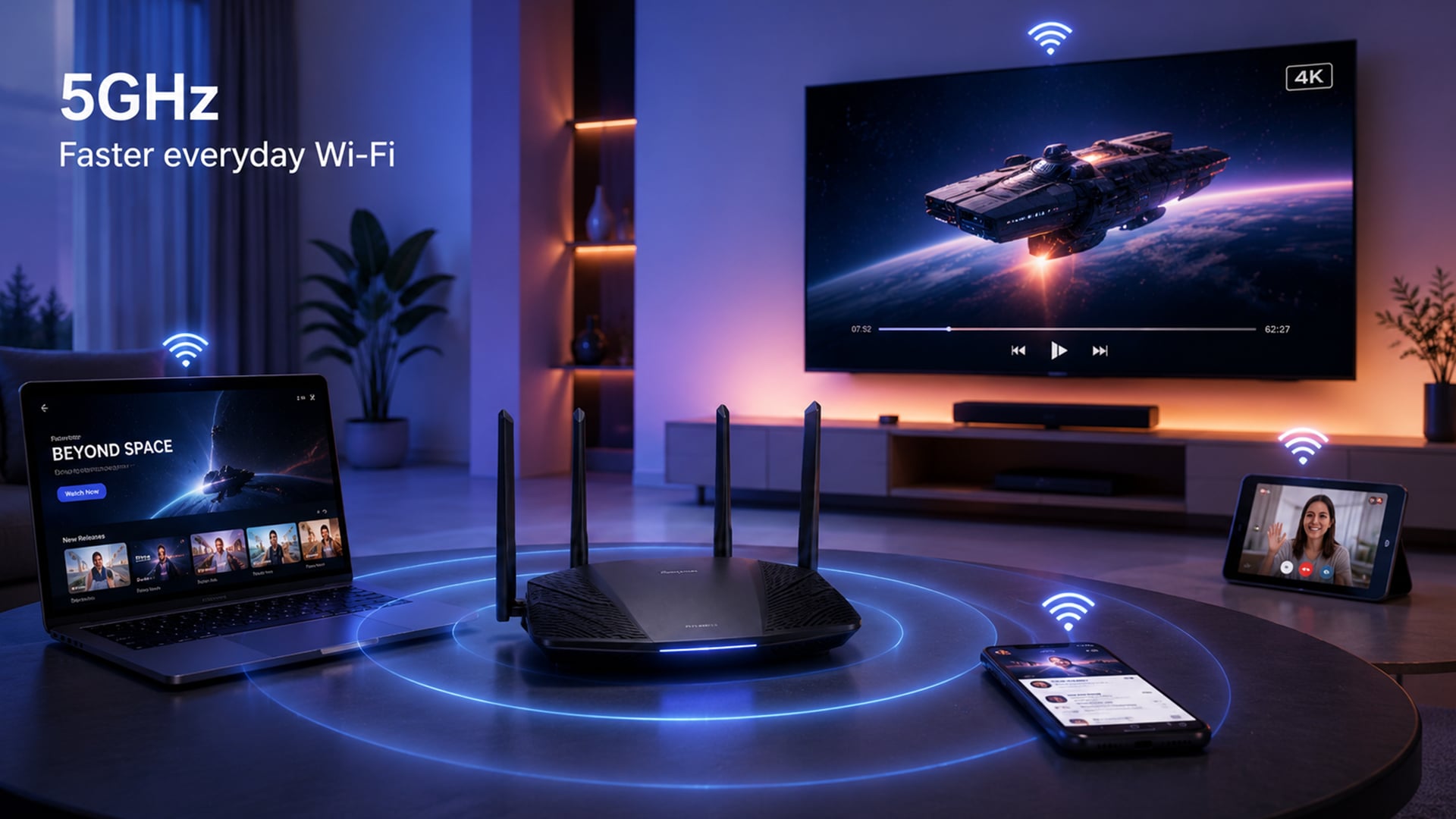
The fastest Wi-Fi band is usually 6GHz, followed by 5GHz, then 2.4GHz. However, speed depends on distance, walls, router quality, device support, broadband speed, and wireless interference.
A fast Wi-Fi band cannot make slow broadband faster. It only helps your device connect more efficiently to the router.
2.4GHz Speed Expectations
2.4GHz Wi-Fi is not built for top speed. Its main job is coverage.
Use 2.4GHz for:
- smart plugs
- smart bulbs
- doorbells
- thermostats
- printers
- older devices
- devices far from the router
- basic browsing
- email and messaging
2.4GHz is often slower because it has fewer clear channels and more interference from nearby networks and household devices. It is still useful because it reaches further than 5GHz and 6GHz.
5GHz for Faster Everyday Performance
5GHz Wi-Fi is the best everyday band for most modern homes. It is much better for speed than 2.4GHz and works well at normal room-to-room distances.
Use 5GHz for:
- streaming
- video calls
- remote work
- gaming
- laptops
- phones
- tablets
- smart TVs
- consoles
If you are comparing WiFi 5 speed and WiFi 6 speed, remember that the Wi-Fi generation and the Wi-Fi band are not the same thing. Wi-Fi 5 mainly uses 5GHz. Wi-Fi 6 can use 2.4GHz and 5GHz, while Wi-Fi 6E extends Wi-Fi 6 into the 6GHz band.
For most people, 5GHz is the best balance of faster Wi-Fi speeds and usable range.
6GHz and the Newest Wi-Fi Speeds
6GHz Wi-Fi is available through Wi-Fi 6E and Wi-Fi 7 equipment. It offers more room for high-speed connections and less interference from older devices.
Use 6GHz for:
- high-speed downloads
- low latency wireless gaming
- 4K or 8K streaming
- VR and AR devices
- large file transfers
- high-end laptops
- newer flagship phones
- Wi-Fi 7 devices
- same-room or close-range use
6GHz can be excellent, but it has shorter range and weaker wall penetration than 2.4GHz and 5GHz. It works best when you are close to the router or a wireless access point.
If your router supports 6GHz but your laptop or phone does not, you will not see a 6GHz option on that device.
Range: Which Band Travels Furthest?
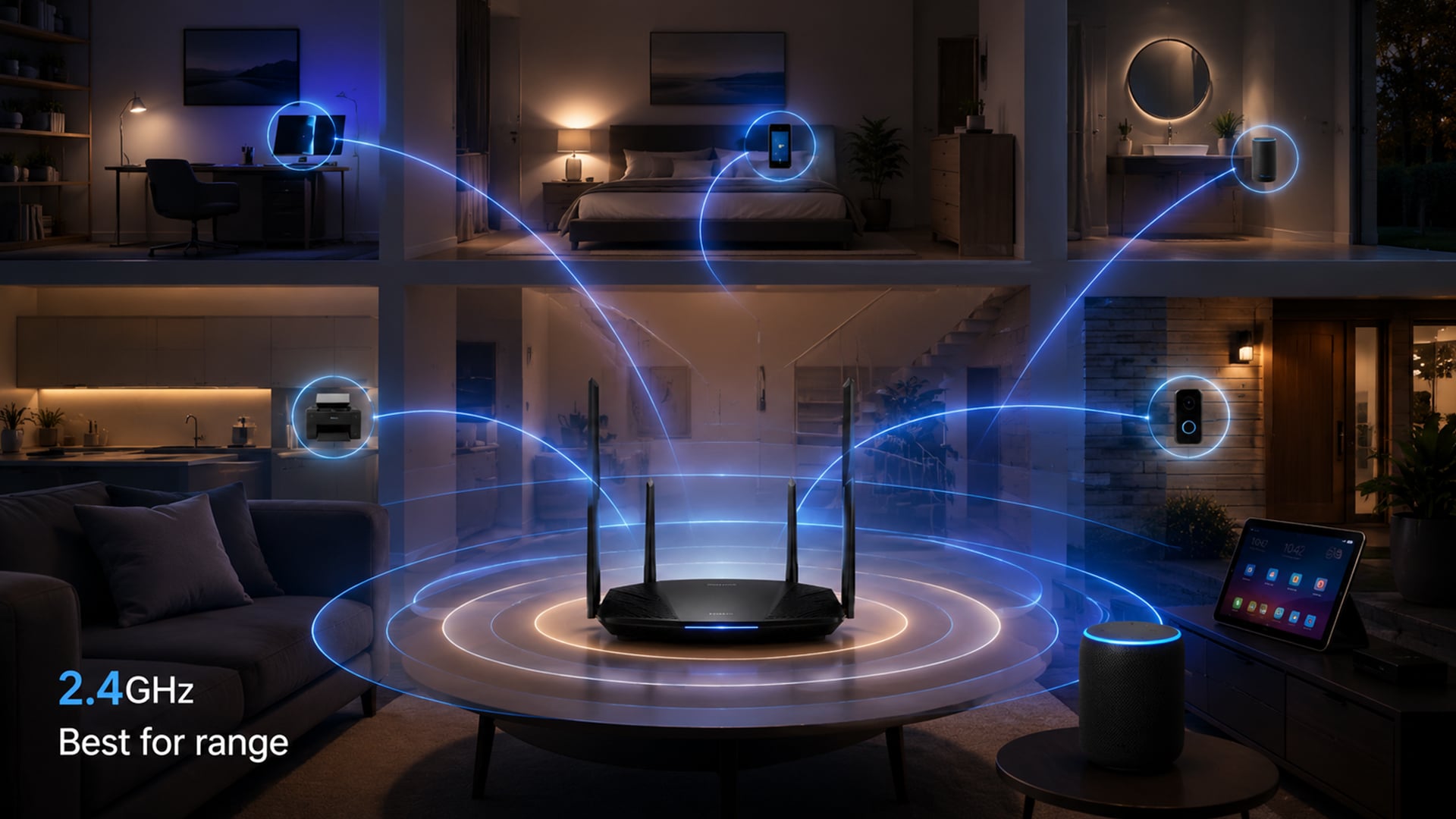
2.4GHz travels the furthest. 5GHz is the middle ground. 6GHz is usually shortest range.
The simple range order is:
- 2.4GHz: best range
- 5GHz: balanced range and speed
- 6GHz: best speed nearby, shortest range
Why 2.4GHz Reaches Further
2.4GHz uses a lower frequency, which helps it travel further and pass through walls and floors better than higher-frequency bands.
That makes 2.4GHz useful for:
- garden offices
- garages
- upstairs rooms
- smart home devices
- far corners of the house
- devices behind several walls
The downside is congestion. Many routers, Bluetooth devices, and older connected home devices use 2.4GHz, so it can become crowded.
5GHz and Mid-Range Coverage
5GHz has less range than 2.4GHz, but it is much faster in the right conditions. It works well when you are near the router or within a few rooms.
Use 5GHz when:
- the router is nearby
- you need stable video calls
- you stream films or sport
- you play online games
- you work from home
- you use modern phones and laptops
For many homes, 5GHz should be the default choice for main devices.
6GHz and Shorter-Distance Performance
6GHz is excellent for speed, but it does not travel as far or pass through walls as well as the lower bands.
It is best for:
- same-room use
- open-plan spaces
- gaming rooms
- high-speed workstations
- modern phones near the router
- newer laptops close to an access point
If your home has thick walls, multiple floors, or the router is tucked away, 6GHz may not reach everywhere. In that case, a mesh wifi system can help improve coverage across more rooms.
Best Uses for Each Wi-Fi Band
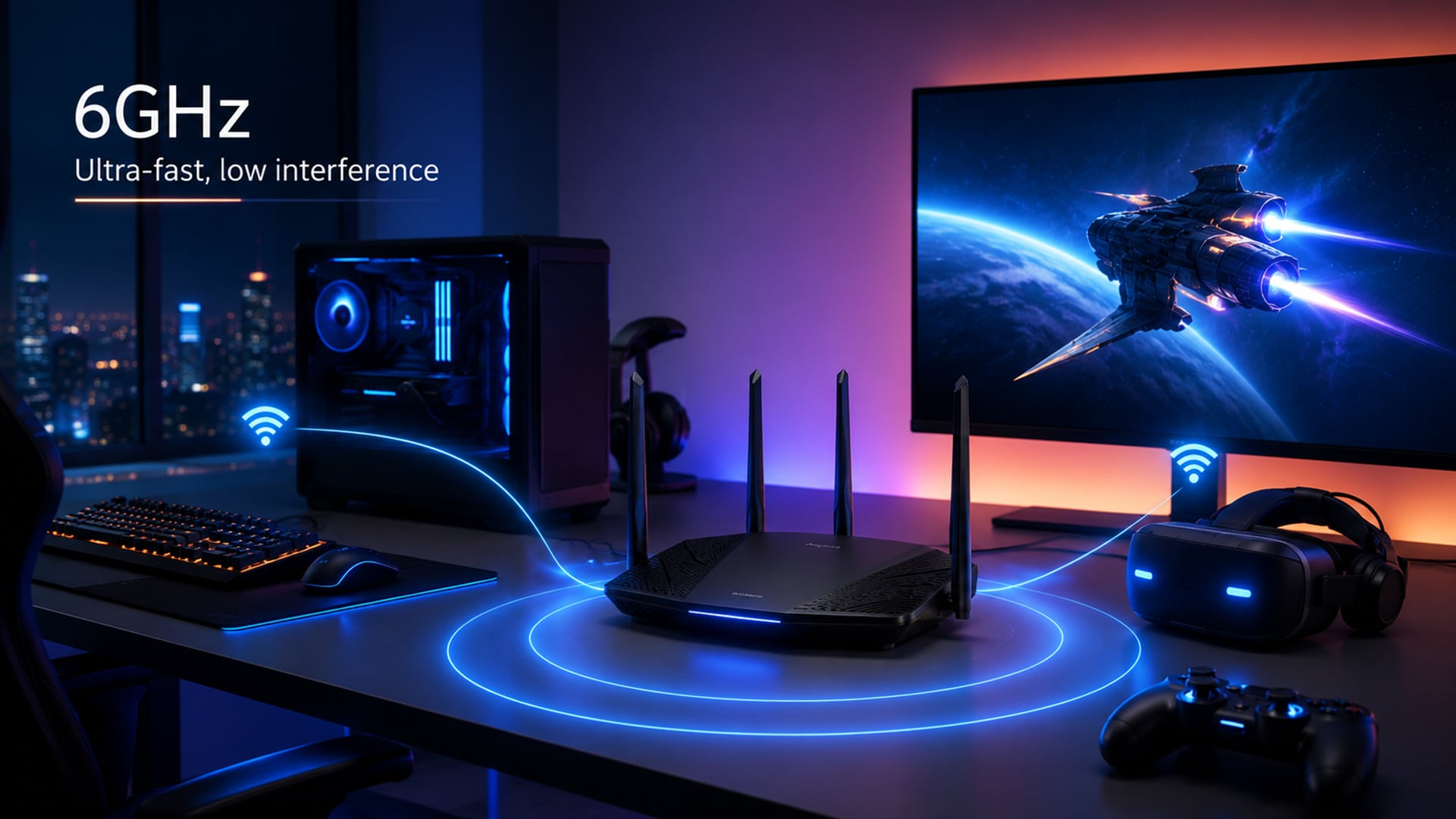
The best Wi-Fi band depends on what the device is doing and where it is in the home.
2.4GHz for Smart Home and Longer Range
2.4GHz is best for devices that do not need much speed but do need stable range.
Use 2.4GHz for:
- smart bulbs
- smart plugs
- cameras
- printers
- thermostats
- doorbells
- older laptops
- older phones
- devices far from the router
It is also useful in rooms where 5GHz or 6GHz signal is weak.
5GHz for Streaming, Work and Gaming
5GHz is the best everyday choice for most performance devices.
Use 5GHz for:
- streaming TV
- gaming consoles
- laptops for work
- online lessons
- video calls
- smartphones
- tablets
- cloud storage
- everyday browsing
If you want reliable performance for work and media, 5GHz is usually the band you want.
6GHz for High-Speed, Low-Interference Use
6GHz is best for newer devices that support Wi-Fi 6E or Wi-Fi 7 and are close to the router.
Use 6GHz for:
- Wi-Fi for gaming
- Wi-Fi for streaming in high quality
- large downloads
- large uploads
- VR headsets
- content creation
- high-end work laptops
- low-interference connections
- busy households with many devices
6GHz is not always better for range, but it can be the cleanest and quickest band for compatible devices nearby.
Which Devices Use 2.4GHz, 5GHz and 6GHz?
Most Wi-Fi devices support 2.4GHz. Many modern phones, laptops, and tablets support 5GHz. Newer premium devices may support 6GHz if they are Wi-Fi 6E or Wi-Fi 7 compatible.
Common Device Support
| Device Type | Usually Supports |
|---|---|
| Smart bulbs and plugs | Mostly 2.4GHz |
| Older laptops and phones | 2.4GHz and sometimes 5GHz |
| Modern phones | 2.4GHz and 5GHz, sometimes 6GHz |
| Newer laptops | 2.4GHz and 5GHz, sometimes 6GHz |
| Wi-Fi 6 routers | 2.4GHz and 5GHz |
| Wi-Fi 6E routers | 2.4GHz, 5GHz and 6GHz |
| Wi-Fi 7 routers | 2.4GHz, 5GHz and 6GHz, depending on model |
| Smart TVs and consoles | Usually 2.4GHz and 5GHz |
If you want fast browsing, streaming, and online work, compare laptops for browsing and phones for fast connectivity with newer Wi-Fi standards.
Wi-Fi 5, Wi-Fi 6, Wi-Fi 6E and Wi-Fi 7 Explained
Wi-Fi bands and Wi-Fi generations are linked, but they are not the same.
Wi-Fi 5
Wi-Fi 5 is based on 802.11ac and mainly improved 5GHz Wi-Fi. It is still fine for many homes, especially for browsing, streaming, and video calls.
Wi-Fi 6
Wi-Fi 6 improves efficiency and performance, especially where lots of devices are connected. It works over 2.4GHz and 5GHz.
WiFi 6 speed depends on router quality, device support, and your broadband connection, but the bigger benefit is often better handling of busy networks.
Wi-Fi 6E
Wi-Fi 6E adds 6GHz support to Wi-Fi 6. This gives compatible devices access to a cleaner band with more room for fast connections.
Choose Wi-Fi 6E if you want 6GHz but do not necessarily need the latest Wi-Fi 7 features.
Wi-Fi 7
Wi-Fi 7 is the newest major Wi-Fi generation. It can use 2.4GHz, 5GHz, and 6GHz, and is designed for higher throughput, lower latency, and better reliability.
A Wi-Fi 7 router is most useful if you have newer devices that can actually use Wi-Fi 7 features.
You can compare the latest routers for WiFi at Box if you are upgrading from an older single-band or dual-band setup.
How to Choose the Right Band at Home
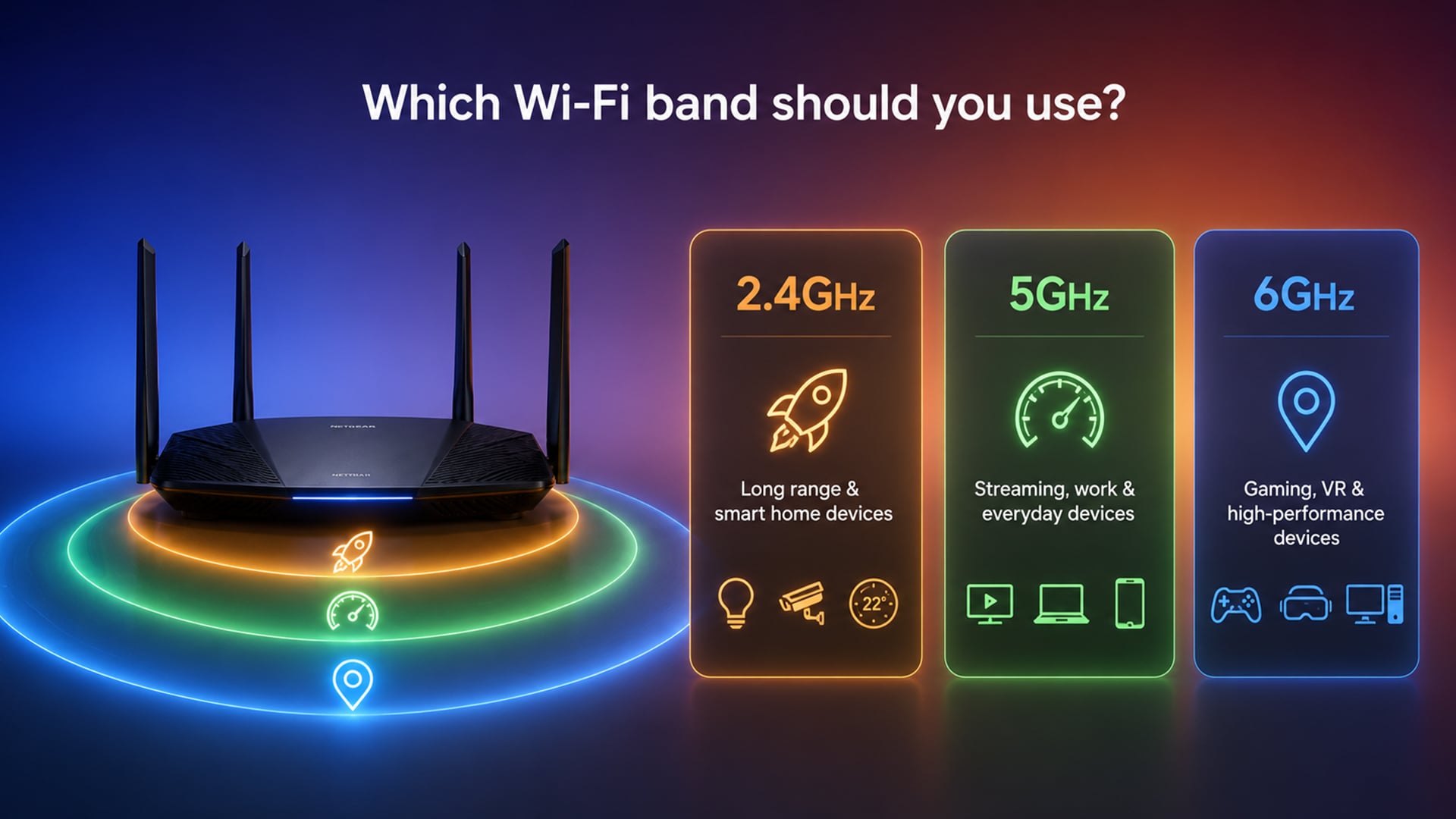
You do not need to manually manage every device, but it helps to know which band suits each job.
Distance from Your Router
Use this rule:
- far from router: try 2.4GHz
- one or two rooms away: try 5GHz
- same room or close by: try 6GHz
If 6GHz keeps dropping, switch to 5GHz. If 5GHz struggles through walls, switch to 2.4GHz.
Number of Devices Connected
A busy home network can slow down when many devices compete for bandwidth.
2.4GHz is often crowded because many smart home devices use it. 5GHz gives more room for modern devices. 6GHz gives the cleanest space for newer devices.
For busy homes, a tri-band router or mesh system can spread devices across bands more effectively.
Gaming, Streaming, and Everyday Browsing
For gaming, use 5GHz or 6GHz when close enough to the router. For serious gaming, Ethernet is still the most stable option.
For streaming, use 5GHz for most smart TVs and tablets. Use 6GHz if the device supports it and is close to the router.
For everyday browsing, 2.4GHz is fine if the device is far away. 5GHz is better if signal is strong.
Is 6GHz Always Better Than 5GHz or 2.4GHz?
No. 6GHz is faster and cleaner in the right setup, but it is not automatically the best choice for every device or every room.
When 6GHz Makes a Difference
6GHz makes the biggest difference when:
- Your router supports Wi-Fi 6E or Wi-Fi 7
- Your device supports 6GHz
- You are close to the router
- You have fast broadband
- Your home has lots of Wi-Fi congestion
- You need low latency wireless performance
- You transfer large files locally
- You use VR, AR, gaming, or creative workloads
It is ideal for high-performance devices near the router.
When 5GHz Is the Better Balance
5GHz is often the better everyday band because it balances speed and range.
Choose 5GHz when:
- You want fast speeds in normal rooms
- Your device does not support 6GHz
- You stream or game a room or two away
- 6GHz drops too often
- Your router is not in the same room
For most people, 5GHz is the main band for daily performance.
When 2.4GHz Still Makes the Most Sense
2.4GHz still matters because not every device needs speed.
Choose 2.4GHz when:
- The device is far from the router
- You are connecting smart home devices
- Walls block 5GHz or 6GHz
- The device only supports 2.4GHz
- You need stability more than speed
A smart plug does not need 6GHz. A laptop on a video call probably does.
Common Wi-Fi Band Mistakes
Here are some common mistakes people make when choosing the WiFi band for their needs:
Thinking 6GHz Is the Same as 6G
6GHz Wi-Fi is a Wi-Fi frequency band. 6G is a future mobile network term. They are not the same thing.
Assuming the Highest Band Is Always Best
6GHz is the fastest nearby, but 2.4GHz may be better in a far room. Choose based on use and distance, not just the biggest number.
Blaming the Router When Broadband Is Slow
Wi-Fi speed and broadband speed are different. A better router can improve wireless performance, but it cannot make a slow internet plan faster.
Using One Band for Everything
Smart devices, laptops, phones, and consoles do not all need the same band. Spread devices across bands where possible.
Wrapping Up
The 2.4 GHz vs 5 GHz choice is mostly about range versus speed. 2.4GHz reaches further and works better through walls, but it is slower and more crowded. 5GHz is faster and better for everyday streaming, work, and gaming, but it has shorter range.
The 6 GHz band adds the newest high-speed option. It is best for Wi-Fi 6E and Wi-Fi 7 devices close to the router, especially where you want low latency, less interference, and faster Wi-Fi speeds.
The simple answer:
- Use 2.4GHz for smart home devices, older tech, and longer range.
- Use 5GHz for most phones, laptops, streaming, gaming, and work.
- Use 6GHz for newer devices close to the router when speed and low interference matter.
- Use mesh Wi-Fi if your issue is coverage across the whole home.
- Upgrade your router only if your devices and broadband can benefit from it.
For most homes, 5GHz is the best everyday band. 2.4GHz remains essential for range and smart devices. 6GHz is the premium band for newer, faster setups.
FAQs
-
Should I have 2.4GHz or 5GHz?
Use 2.4GHz if you need longer range or are connecting smart home devices. Use 5GHz if you want faster speeds for streaming, gaming, video calls, and browsing. Most homes should use both.
-
Do devices automatically switch between 2.4 and 5GHz?
Many modern routers use band steering, which can move devices between 2.4GHz and 5GHz automatically. Some routers show separate network names, so you may need to choose the band yourself.
-
Does 5GHz WiFi go through walls?
Yes, 5GHz Wi-Fi can go through walls, but not as well as 2.4GHz. It is faster at shorter distances, but walls, floors, and thick materials can weaken the signal.
-
Does 6GHz Wi-Fi exist?
Yes, 6GHz Wi-Fi exists. It is used by Wi-Fi 6E and Wi-Fi 7 devices. You need a 6GHz-compatible router and a compatible device to use it.
-
Is WiFi 6E 5GHz or 6GHz?
Wi-Fi 6E supports 6GHz. It extends Wi-Fi 6 into the 6GHz band, while also working with the usual 2.4GHz and 5GHz bands depending on the router and device.
-
Do all routers support 6GHz?
No. Only Wi-Fi 6E and some Wi-Fi 7 routers support 6GHz. Older Wi-Fi 5 and Wi-Fi 6 routers usually support 2.4GHz and 5GHz, but not 6GHz.
-
Is 6GHz better for gaming?
6GHz can be excellent for gaming if your device is close to the router and supports Wi-Fi 6E or Wi-Fi 7. It can offer low-latency wireless performance with less interference, but 5GHz may be more stable if you are further away.
-
Why can’t I see a 6GHz Wi-Fi network?
You may not see 6GHz Wi-Fi if your router does not support it, your device does not support it, your drivers need updating, or the 6GHz band is not enabled in your router settings.
You can pay with:
*PayPal Credit Representative Example: Assumed credit limit £1,200, Representative 23.9% APR (variable). Purchase rate 23.9% p.a (variable).Terms & Conditions apply.


PayPal Credit and PayPal Pay in 3 are trading names of PayPal UK Ltd, 5 Fleet Place, London, United Kingdom, EC4M 7RD. Terms and conditions apply. Credit subject to status, UK residents only, Five Tech LTD acts as a broker and offers finance from a restricted range of finance providers. PayPal Pay in 3 is not regulated by the Financial Conduct Authority. Pay in 3 eligibility is subject to status and approval. 18+. UK residents only. Pay in 3 is a form of credit. Check if affordable and how you will repay. May make other borrowing more difficult or expensive. See product terms for more details.
Copyright © 1996-2026 Fivetech LTD | Terms and Conditions
box.co.uk & Box are trading names of Five Tech Limited. Registered office: Box LTD, Unit 10 Woodford Trading Estate, Woodford Green IG8 8HF