


 Menu
MenuMenu


Get Sales Advice from Mon - Fri 9am - 5:00pm:
020 3337 8950LAST UPDATED: January 27, 2026
Storage on 10-Inch Tablets: 64GB vs 128GB vs 256GB+ Explained
Storage is one of the easiest tablet specs to underestimate. On paper, 64GB can sound generous, but in real use it fills up faster than most people expect. Choosing the right 10 inch tablet storage is less about chasing the biggest number and more about understanding how apps, downloads, and everyday habits add up over time.
This guide explains what 64GB, 128GB, and 256GB+ storage actually look like in daily use. We also cover microSD expansion, cloud storage, and when it makes sense to pay more upfront versus managing space later.
Storage Needs by Everyday Use Case
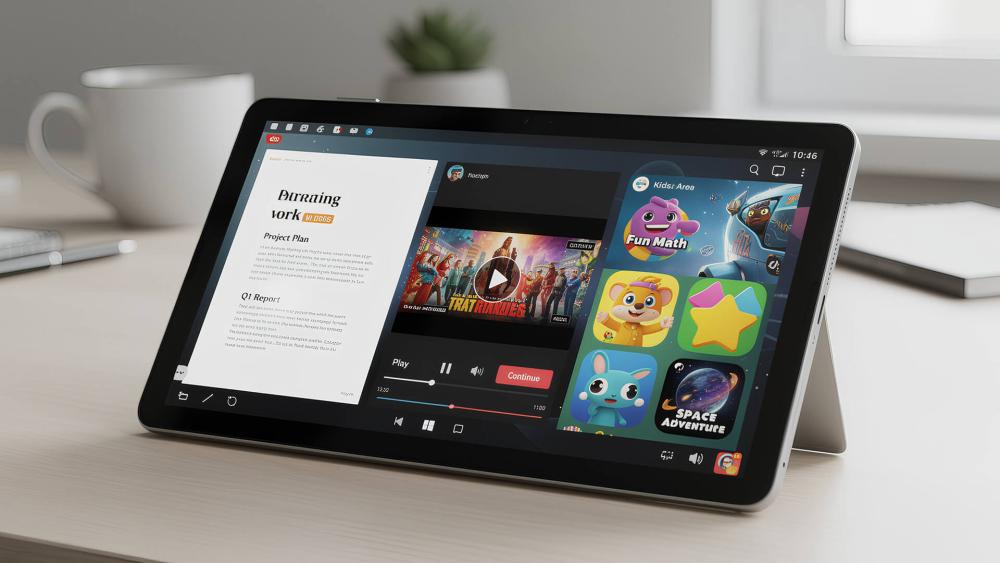
How much storage you need depends entirely on how the tablet is used. Work files, games, family profiles, and media downloads all place very different demands on storage capacity.
Work and Productivity Storage
For work use, storage fills up steadily rather than all at once. Productivity apps, documents, PDFs, and cached files accumulate quietly in the background.
A typical work setup includes:
- Office and productivity apps with regular updates
- Email attachments and downloaded documents
- Offline files for travel or commuting
For light productivity, 64GB tablet storage can work initially, but it often feels tight after a year of updates. Many professionals find 128GB tablet storage more comfortable long term, especially if the tablet is used daily.
Study and Learning Storage
Students often underestimate how quickly storage fills up. Lecture recordings, PDFs, screenshots, and downloaded learning apps build sizeable libraries over time.
For most learners:
- 64GB works for basic note-taking and cloud-based study
- 128GB offers breathing room for offline content and longer courses
- 256GB suits students keeping multiple years of material locally
If the tablet is shared between study and personal use, higher storage reduces the need for constant clean-up.
Kids and Family Tablet Storage
Family tablets tend to fill up faster than expected. Games, videos, screenshots, and multiple user profiles all compete for space.
Children's games and offline video downloads are particularly storage-heavy. In shared households, 128GB tablet storage is often the practical minimum to avoid regular storage warnings.
Media and Streaming Storage
Streaming apps themselves are small, but offline downloads are not. A few films or TV series saved for travel can consume tens of gigabytes quickly.
If you regularly download:
- Films and box sets
- Music playlists
- Podcasts for offline listening
Then 256GB tablet storage or a cloud-assisted setup becomes far more comfortable.
How Apps, Games and Downloads Add Up
Storage pressure usually comes from gradual growth rather than one large file.
App Sizes and Update Growth Over Time
Apps grow with updates. Features, offline content, and cached data increase storage usage quietly.
A tablet with 64GB may feel fine initially, but after a year of updates, usable space can drop sharply. This is one of the most common causes of storage frustration.
Games, Offline Downloads, and Media Libraries
Games are among the largest storage users. Many modern games exceed several gigabytes each, especially with downloadable content.
Offline video downloads also add up quickly. A handful of HD films can consume more space than expected.
Photos, Videos, and File Storage Habits
Photos and videos captured on tablets or synced from phones steadily fill storage. Without regular backups, media libraries quietly become one of the largest space consumers.
Good tablet storage planning includes automatic backups and periodic clean-ups.
How Much Usable Storage You Actually Get
One of the biggest misunderstandings around tablet storage is that advertised capacity is not the same as usable space.
Operating System and System File Overhead
Out of the box, a 10-inch tablet does not give you the full advertised storage. The operating system, preinstalled apps, and system files already take up a significant portion.
For example:
- A 64GB tablet may offer closer to 45–50GB usable space
- A 128GB tablet often starts with around 100–110GB free
- A 256GB tablet typically leaves well over 220GB available
This matters most at lower capacities, where system overhead consumes a much larger percentage of total storage.
Preinstalled Apps and Manufacturer Software
Many tablets ship with preinstalled apps that cannot always be removed. While some can be disabled, others continue to occupy storage permanently.
This is another reason why 64GB fills up faster in real-world use, even before personal files are added.
Internal Storage vs microSD vs Cloud Storage
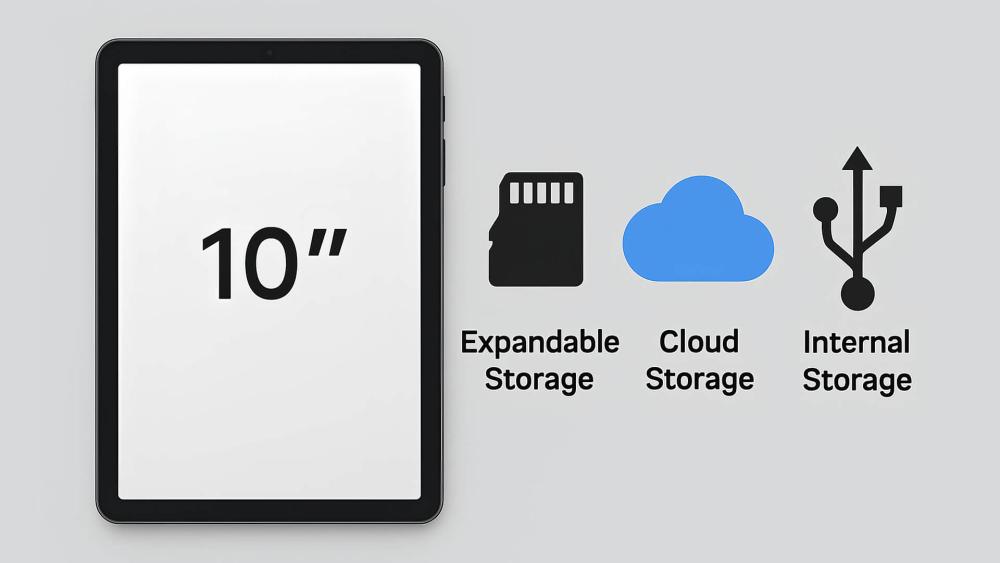
Not all storage is equal. Where files live affects speed, reliability, and ease of use.
Internal Storage Reliability and Speed
Internal storage is the fastest and most reliable option. Apps run smoother, updates install more reliably, and the system has space to manage background processes.
For this reason, internal storage should always cover your core needs rather than relying entirely on expansion or cloud services.
microSD Expansion Limits and Compatibility
Some tablets support microSD tablet storage, allowing you to expand capacity cheaply. However, microSD cards have limitations:
- Slower performance than internal storage
- Some apps cannot be installed on cards
- Compatibility varies by tablet and operating system
microSD works best for media files, photos, and videos rather than apps or system files.
Cloud Storage Benefits and Trade-Offs
Cloud storage for tablets is excellent for backups and cross-device access. Documents, photos, and files stay safe and accessible anywhere.
The downsides are ongoing subscription costs and reliance on internet access. Cloud storage complements internal storage but rarely replaces it entirely for everyday use.
Paying More Upfront vs Relying on Cloud Services
Storage decisions often come down to cost versus convenience.
Higher Storage Tiers and Long-Term Value
Paying more upfront for 128GB or 256GB tablet storage often saves money and hassle long term. There is no need to juggle space, manage downloads, or constantly delete files.
Higher storage also improves resale value if you upgrade later.
Cloud-First Setups and Ongoing Costs
Cloud-first users can manage with lower internal storage, but subscription costs add up over time. Reliable internet access is also essential for smooth use.
Cloud storage works best as a supplement, not a safety net.
Choosing a Balance for Everyday Use
For most users:
- 64GB suits light, cloud-based use
- 128GB offers flexibility and peace of mind
- 256GB+ is ideal for heavy use, media, and long-term ownership
Understanding your habits helps you choose the right storage size without overspending.
Storage Needs Over Time: Planning Beyond Year One
Many buyers choose storage based on how they use a tablet today, not how they will use it in two years.
App Growth and Feature Expansion
Apps rarely get smaller. New features, offline modes, and richer media steadily increase storage requirements with each update.
What fits comfortably on day one may feel restrictive after a year of updates.
Changing Use Patterns
Tablet use often expands over time:
- Casual browsing turns into regular streaming
- Note-taking becomes document storage
- Family tablets gain additional user profiles
Choosing slightly more storage than currently needed provides flexibility as habits evolve.
If you are unsure when to invest in more storage, it may also help to consider the best time to upgrade your tablet storage when replacing or upgrading devices.
Storage Recommendations Based on How Long You Plan to Keep Your Tablet
One of the most overlooked factors when choosing 10 inch tablet storage is how long you expect to keep the device. Storage that feels comfortable today can feel restrictive much sooner than expected if ownership stretches beyond a year or two.
If you typically upgrade devices every one to two years and rely heavily on cloud storage, lower capacities can work with careful management. However, for longer ownership, storage pressure tends to build gradually rather than all at once.
As a general guide:
- Short-term ownership (1–2 years): Light users can manage with 64GB if cloud storage and regular clean-ups are part of daily habits.
- Medium-term ownership (2–4 years): 128GB provides a far more comfortable experience as apps grow, updates expand, and usage patterns evolve.
- Long-term or shared ownership (4+ years): 256GB or more reduces compromises, especially for families, media-heavy users, or tablets passed down to other users.
Planning storage around ownership length avoids the frustration of hitting limits long before the hardware itself feels outdated.
When Storage Limitations Affect Performance
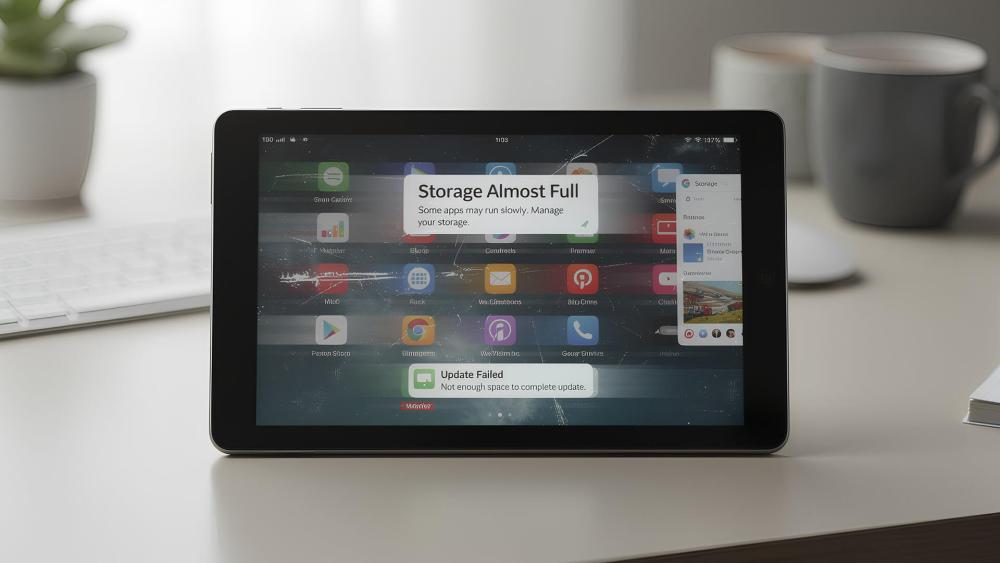
Running out of storage does not just limit what you can save. It also affects how smoothly the tablet runs.
Update Failures and App Instability
Low storage can prevent system updates from installing properly. Apps may fail to update or behave unpredictably when space is critically low.
System Performance and Background Tasks
Tablets need free space to manage temporary files and background processes. When storage is nearly full, performance can degrade even if the hardware itself is capable.
This is one of the clearest signs that storage capacity has become a bottleneck rather than a convenience issue.
Storage Management Tips That Delay the Need to Upgrade
Good storage habits can significantly extend the usable life of a tablet, regardless of capacity.
Managing Offline Downloads Intelligently
Offline content is convenient but easy to forget. Films, playlists, and downloaded documents often remain stored long after they are needed.
Reviewing offline downloads regularly helps reclaim space without affecting everyday use.
Automatic Photo and Video Backups
Photos and videos quietly become one of the largest storage drains. Enabling automatic backups ensures media is safely stored elsewhere, allowing local copies to be removed when space is needed.
This is especially important for family tablets and shared devices.
Clearing Cache Without Losing Data
App caches grow over time and are rarely visible unless checked manually. Clearing cache data frees space without deleting apps or personal files.
This simple step often recovers several gigabytes on tablets that feel unexpectedly full.
Common Tablet Storage Myths That Catch Buyers Out
Many storage regrets come from assumptions that sound logical but break down in real use. Understanding these myths helps avoid underestimating storage needs.
Myth 1: "I can just add a microSD card later"
Reality: microSD expansion is useful for media, but many apps and system files must stay on internal storage. Expansion rarely fixes app-related storage pressure.
Myth 2: "Cloud storage replaces internal storage"
Reality: Cloud services are excellent for backups and syncing, but apps, updates, caches, and offline files still require local space to function smoothly.
Myth 3: "I'll delete things when storage fills up"
Reality: Constant clean-up becomes frustrating quickly. Many users underestimate how often updates and background files consume space.
Myth 4: "Storage doesn't affect performance"
Reality: When storage runs low, tablets struggle with updates, background processes, and app stability, even if the hardware is capable.
Avoiding these assumptions leads to more realistic storage choices upfront.
Storage as a Long-Term Ownership Decision
Storage choice influences how long a tablet remains enjoyable to use.
Resale Value and Upgrade Flexibility
Higher storage models often retain better resale value. Buyers looking second-hand typically prefer more storage, especially for family or media use.
This can offset some of the upfront cost when upgrading later.
Fewer Compromises Over Time
Choosing enough storage upfront reduces the need to:
- Constantly delete files
- Avoid downloads
- Manage space aggressively
For many users, this convenience is worth more than the initial price difference.
Conclusion
Choosing the right 10 inch tablet storage is about planning for how the tablet will be used not just today, but a year or two down the line. Apps grow, media accumulates, and storage pressure often arrives gradually rather than all at once.
For many users, 128GB strikes the best balance between cost and comfort. Heavy media users, families, and long-term owners benefit from 256GB or more, while light users can manage with 64GB if cloud storage is used wisely.
By understanding how storage fills up in real life, you can avoid constant clean-ups and enjoy a smoother, more reliable tablet experience.
FAQs
Is 64GB enough storage for a 10-inch tablet?
It can be for light, cloud-based use, but many users outgrow it quickly once apps and downloads accumulate.
What type of tablet use needs 128GB or 256GB storage?
Work, study, family use, gaming, and offline media downloads all benefit from higher storage capacities.
Does cloud storage reduce the need for higher internal storage?
It helps, but cloud storage works best alongside sufficient internal storage rather than replacing it completely.
Are microSD cards a good replacement for built-in storage?
They are useful for media files but less reliable and slower for apps and system use.
When does storage pressure indicate it's time to upgrade?
Frequent storage warnings, failed updates, and constant file deletion usually signal that an upgrade is due.
You can pay with:
*PayPal Credit Representative Example: Assumed credit limit £1,200, Representative 23.9% APR (variable). Purchase rate 23.9% p.a (variable).Terms & Conditions apply.


PayPal Credit and PayPal Pay in 3 are trading names of PayPal UK Ltd, 5 Fleet Place, London, United Kingdom, EC4M 7RD. Terms and conditions apply. Credit subject to status, UK residents only, Five Tech LTD acts as a broker and offers finance from a restricted range of finance providers. PayPal Pay in 3 is not regulated by the Financial Conduct Authority. Pay in 3 eligibility is subject to status and approval. 18+. UK residents only. Pay in 3 is a form of credit. Check if affordable and how you will repay. May make other borrowing more difficult or expensive. See product terms for more details.
Copyright © 1996-2026 Fivetech LTD | Terms and Conditions
box.co.uk & Box are trading names of Five Tech Limited. Registered office: Box LTD, Unit 10 Woodford Trading Estate, Woodford Green IG8 8HF